Master File + 24–48 Hour Recheck to Fill SBD Forms for South Africa

Use the SBD templates from the tender pack itself, not a saved copy from a previous bid. Complete SBD 1, SBD 4 and SBD 6.1 in full, get the authorised signatory and a witness to sign where required, and check that every company detail matches your CSD profile, tax status, and B-BBEE evidence exactly. Administrative slips on these forms, not pricing or technical scoring, disqualify most losing bids before an evaluator even reads the rest.
*TL;DR:>
- Using the latest, tender-specific SBD templates directly from the official sources helps prevent disqualification caused by outdated or incorrect forms.*
- Ensuring that all company details, signature requirements, and witness information match your master compliance file guarantees consistency and avoids errors.
- Correctly declaring your B-BBEE status with a current, valid certificate and matching it exactly on SBD 6.1 is essential for claiming preference points and avoiding outright rejection.
- Administrative mistakes such as missing signatures, mismatched details, or improper form labeling are the most common causes of bid disqualification and can be fixed with a quick pre-submission check.
- Maintaining a master compliance file and running a final compliance review 24 to 48 hours before closing ensures all forms are current, complete, and correctly packaged for submission.
Table of Contents
- How to fill SBD forms: the forms you'll actually meet
- A repeatable workflow for filling SBD forms without errors
- SBD 4 explained: what trips bidders up
- SBD 6.1: claiming preference points correctly
- Top administrative mistakes and how to fix them fast
- Packaging and final checklist before you submit
- Where to find the official forms and practical templates
- Why the master file habit matters more than any single form
- The platform provides tender packs and templates in one place.
- Sources
- FAQ
How to fill SBD forms: the forms you'll actually meet
Every tender pack carries its own mix of Standard Bidding Documents, but a handful show up on nearly every bid. Knowing what each one does before you start filling anything in saves you from filling in the wrong section twice.
- SBD 1 (Invitation to Bid): the cover form. It carries your bid totals, company details, and a summary of what you're offering, and it's the first thing an evaluator checks against your pricing schedule.
- SBD 2 / TCS: your tax clearance declaration, usually satisfied through a Tax Compliance Status PIN verified against the South African Revenue Service system rather than a printed certificate.
- SBD 3 (Pricing Schedule): the detailed breakdown, split across 3.1, 3.2, and 3.3 depending on the procurement type, and it must tie back to the total on SBD 1 to the cent.
- SBD 4 (Bidder's Disclosure): the consolidated declaration that folded the old SBD 8 and SBD 9 into one form back in 2022, covering conflicts of interest, past supply chain conduct, and independent bid determination.
- SBD 6.1: your preference points claim under the Preferential Procurement Policy Framework Act, tied to your B-BBEE status.
- SBD 7: the contract form, signed once you're actually awarded the work.
The tender pack is what controls which forms apply. Some organs of state bolt on customised annexures or extra fields on top of the standard SBDs, and those additions are binding even when they repeat information you've already given elsewhere.
A repeatable workflow for filling SBD forms without errors
Chasing forms bid by bid, from scratch every time, is how small mistakes creep in. A fixed sequence removes most of the guesswork.
- Build a master compliance file. Keep one document with your exact company name as registered, CIPC and CSD numbers, VAT number, directors' ID numbers, your B-BBEE certificate or sworn affidavit, and a current CSD summary screenshot. You'll copy these same strings into form after form, so get them right once.
- Download the SBDs from the specific tender pack, or from National Treasury's OCPO page if you need the current baseline version. Never reuse a saved copy from an old bid folder, since SBD forms get revised periodically and an outdated template can cost you the submission outright.
- Fill the forms digitally wherever the format allows it. Typed answers are easier for evaluators to read and leave no room for a rushed word turning illegible. Leave signature blocks for wet ink unless the tender pack explicitly states it accepts verified digital signatures.
- Get the right person to sign, and get it witnessed properly. The signatory needs actual authority to bind the company, either as a director or through a board resolution naming them. Initial every page if the form calls for it, and make sure your witness prints their name and stated capacity next to their signature.
- Cross-check every number and name. The total on SBD 1 must match your pricing schedule precisely, and your company name, registration number, and B-BBEE level must read identically across the SBD 4, SBD 6.1, your CSD profile, and your B-BBEE certificate. A single transposed digit in a registration number is enough to flag a mismatch.
- Run a final compliance pass 24 to 48 hours before closing. Confirm every required field has an answer, gather any explanatory attachments needed for a past supply chain management issue, and check nothing was left blank by mistake.
Pro Tip: Print your master compliance file details in a single reference sheet and keep it next to you while filling in every SBD. Typing from that sheet instead of from memory is what actually kills the copy-paste errors between forms.
SBD 4 explained: what trips bidders up
SBD 4 carries more legal weight than most bidders realise, since it now bundles the disclosures that used to sit on two separate forms. Every field on it has to match your CSD profile character for character, right down to how your company name and VAT number are written.
The section on directors, shareholders, and relationships with organs of state is where most hesitation happens. Declaring a relationship with a state employee or official is not automatic disqualification. Failing to disclose one that exists is fatal, because it gets treated as a misrepresentation rather than an oversight.
Further down, SBD 4 asks about past supply chain management conduct and includes an independent bid determination declaration confirming you priced the bid without collusion. If you've had a genuine SCM issue in the past, attach a short explanatory note rather than leaving the field blank or vague.
Signature rules here follow the same pattern as the rest of your pack: an authorised signatory, initials on every page where specified, and a witness who fills in their own details. For joint ventures or consortiums, each member typically submits its own SBD 4, plus a lead bidder statement where the tender pack requires one.
Administrative errors remain the single biggest reason bids get thrown out before technical evaluation, and SBD 4 produces more of them than any other form in the pack.
Common traps to check for before you submit:
- Using a pre-2022 SBD 4 template that still splits SBD 8 and SBD 9 apart.
- Leaving a "none" answer blank instead of writing it in.
- Missing a witness signature entirely.
- A spelling of the company name that doesn't match your CSD record exactly.
SBD 6.1: claiming preference points correctly
The tender advert decides whether the 80/20 or 90/10 scoring formula applies, based on the contract's rand value threshold under the Preferential Procurement Policy Framework Act. You don't choose the formula. You follow whatever the advert states.
On SBD 6.1 itself, you declare your B-BBEE status level, either from a valid B-BBEE certificate issued by an accredited verification agency, or through a sworn affidavit if your business qualifies as an Exempted Micro Enterprise or Qualifying Small Enterprise. That declaration is worthless on its own. You need to attach the actual certificate or affidavit as supporting evidence, and it has to be current, not expired.
A few checks worth running before you submit:
- Confirm the B-BBEE level written on SBD 6.1 matches the level shown on your attached certificate or affidavit exactly.
- Attach a valid, unexpired certificate or affidavit, never a copy from a previous financial year.
- Complete any local content declaration the tender pack asks for, since some categories carry designated local production requirements tied to preference points.
Get any one of these wrong and you don't just lose points. You risk having the claim rejected outright during compliance checks.
Top administrative mistakes and how to fix them fast
Most disqualifications trace back to a short list of repeat offenders, and nearly all of them are avoidable with a five-minute check before you submit.
- Missing signatures or witnessing. Fix it by running through every SBD page by page and confirming both a signature and, where required, a witness name and capacity appear.
- Outdated form templates. Fix it by downloading the SBD set fresh from the current tender pack, never from a folder of old bids.
- Mismatched CSD, TCS, or B-BBEE details. Fix it by comparing your master compliance file against your live CSD profile before you type a single field.
- Wrong dates on forms. Fix it by confirming every dated form falls within the advert period, not the day you happen to be filling it in.
- Omitted annexures. Fix it by checking the tender pack's document list against your submission pack line by line.
Pro Tip: Keep a physical or digital tick sheet listing every form the tender pack requires, and check each one off only once it's signed, witnessed, and dated correctly, not just filled in.
Packaging and final checklist before you submit
Packaging rules are where bidders who did everything else right still get caught out. A buyer directive from the Department of Water and Sanitation makes the standard explicit: every dated form must fall within the bid advert period, annexures must be labelled exactly as the schedule specifies, and originals versus copies follow whatever the tender instructions state, not your own preference.
For electronic submissions through a portal like eTenders, check the accepted file format before you upload. Most organs of state want a single combined PDF rather than separate files per form, and filenames that don't follow the stated convention can get a submission bounced by the system before a human ever opens it.
Run this sequence 24 to 48 hours before closing:
- Confirm every SBD form carries a date inside the advert period.
- Match your annexure labels against the tender's document schedule.
- Count and order pages exactly as the pack specifies.
- Confirm your file format and filename match the portal's stated requirements.
- Do one final read through for blank fields or missing signatures.
| Packaging element | What to check | Where it goes wrong |
|---|---|---|
| Form dates | Fall within advert period | Bidders reuse an old signed date |
| Annexures | Labelled per schedule | Mislabelled or attached out of order |
| Originals vs copies | Match tender instructions | Copies submitted where originals required |
| File format | Matches portal requirement | Wrong format rejected by upload system |
Where to find the official forms and practical templates
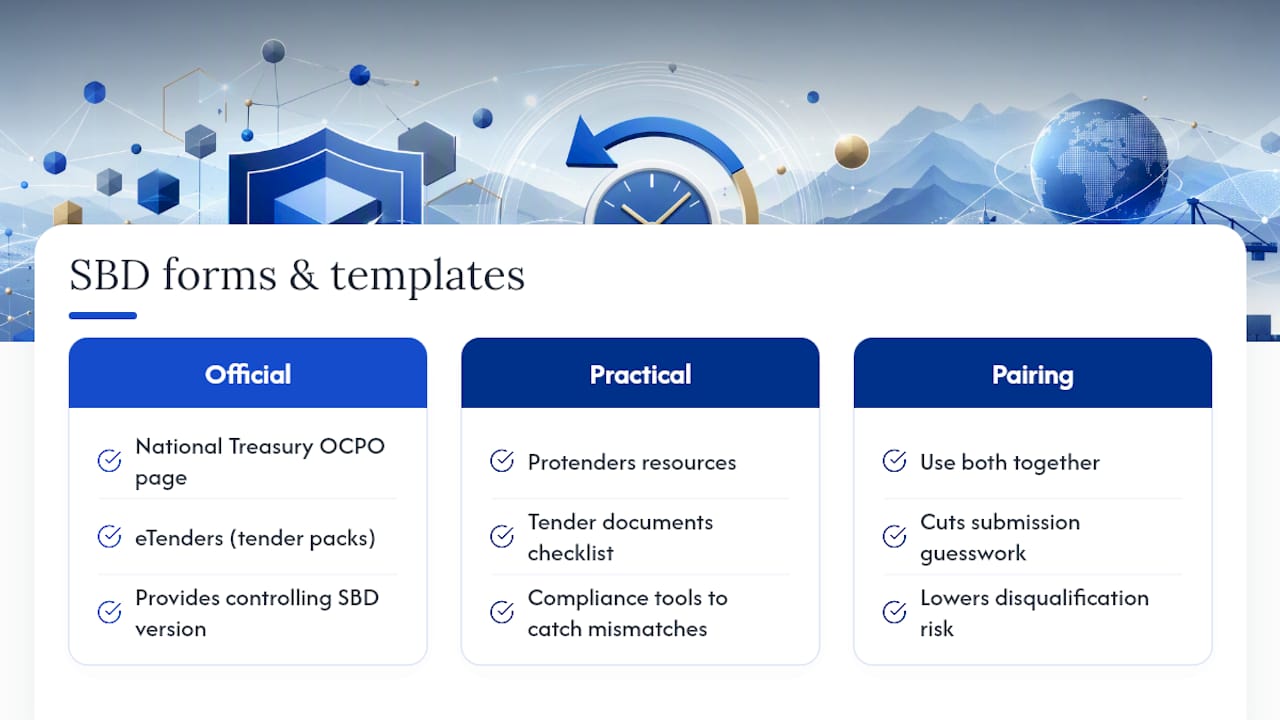
The controlling version of any SBD is whatever sits in that specific tender pack. When you need a clean baseline copy outside a live pack, National Treasury's OCPO page hosts the official Standard Bidding Documents, and eTenders is where most organs of state publish their packs.
Protenders backs this up with practical resources built for the same workflow described above: a tender documents checklist covering what a compliant submission pack needs, and compliance tools designed to catch the same mismatches that cause disqualification. Pair the official source with a working checklist, and you cut the guesswork out of a process that punishes small errors disproportionately.
Why the master file habit matters more than any single form
The bidders who consistently clear the compliance gate aren't the ones with the best pricing. They're the ones who never retype their company details from memory. Build the master compliance file once, run the same pre-submission routine every time, and most of what disqualifies other bidders simply stops applying to you.
— Dolene April
The platform provides tender packs and templates in one place.
This platform offers a faster route to a compliant bid by aggregating live tenders from national, provincial, and municipal buyers in one searchable feed, with every listing linking through to the actual tender pack, ensuring users work from current forms rather than outdated downloads.
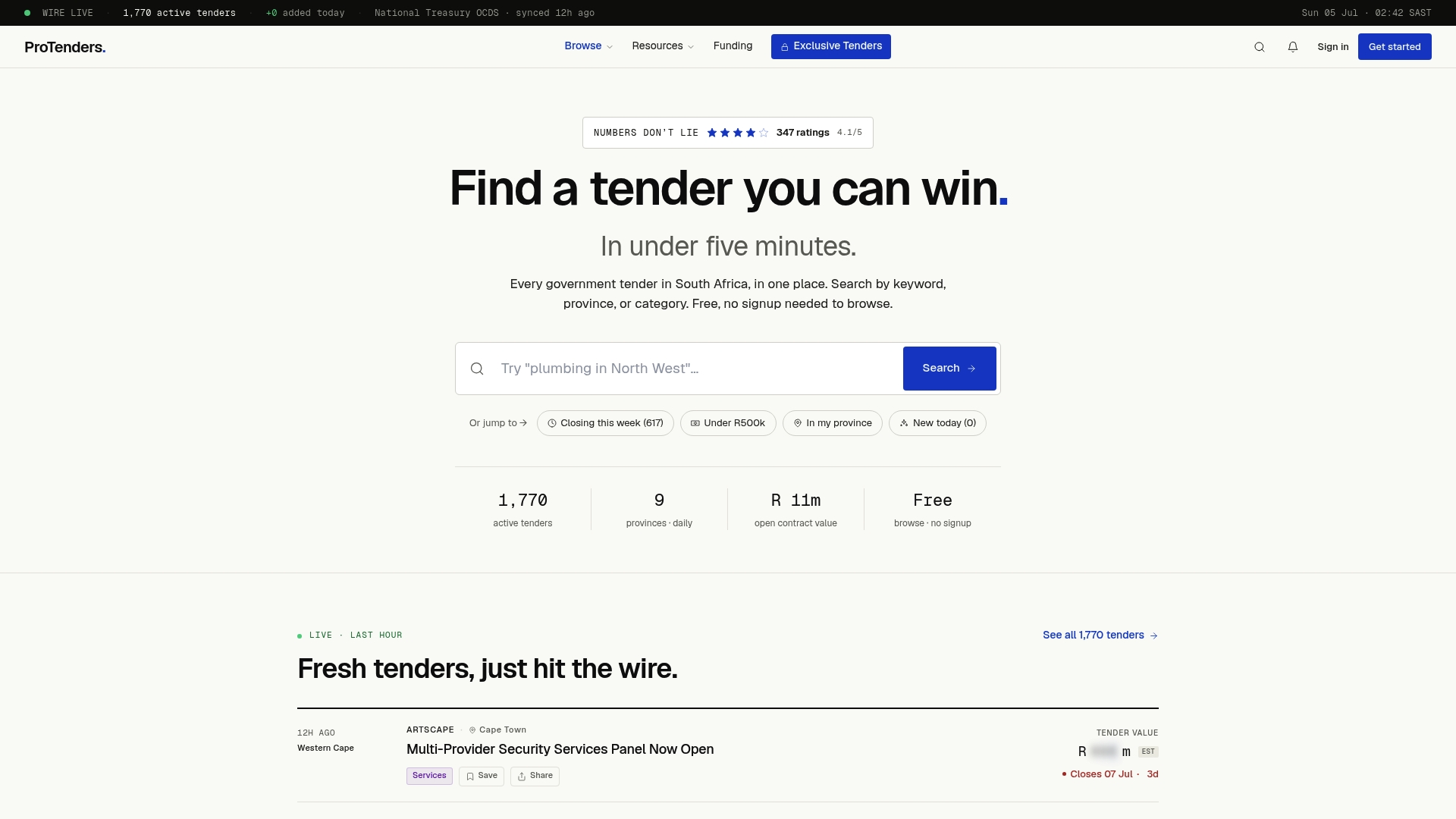
Beyond the search tool, Protenders offers fillable SBD templates and compliance scorecards built to flag the same mismatches this guide walks through, from CSD detail errors to missing signature fields. If funding for the awarded contract is your next hurdle, the platform also connects SMMEs to funding partners once a bid is won. Start by searching live South African government tenders to find an opportunity that matches your capability, pull the pack, and run your master compliance file against it before you fill in a single SBD.
Sources
- Directive to bidders on completion of SBD forms and packaging of bid proposal (DWS example)
- Office of the Chief Procurement Officer — Standard Bidding Forms (OCPO)
FAQ
How do I fill in the SBD 4 form correctly?
Match every field to your CSD profile exactly, answer every disclosure honestly including "none" where it applies, and make sure an authorised signatory signs with a properly captured witness. Leave nothing blank, since an unanswered disclosure field is treated as a compliance failure, not an oversight.
How do I complete the SBD 6.1 form?
Declare your B-BBEE status level exactly as it appears on your certificate or sworn affidavit, following whichever preference point formula (80/20 or 90/10) the tender advert specifies, and attach the current supporting certificate or affidavit as evidence.
How do I complete SBD 1?
Fill in your company details and bid summary information so they match your pricing schedule precisely, since evaluators check your SBD 1 totals directly against SBD 3. Use the version supplied in the current tender pack rather than a saved template.
What is the purpose of SBD forms?
SBD forms are the standardised, mandatory returnable documents that South African government tenders use to capture bidder information, tax status, pricing, disclosures, and preference claims consistently across every submission. They exist to let procuring departments compare bids on equal footing, and administrative errors on them remain the leading cause of automatic disqualification.